Odoo 19 certification sample test empty: what to practice
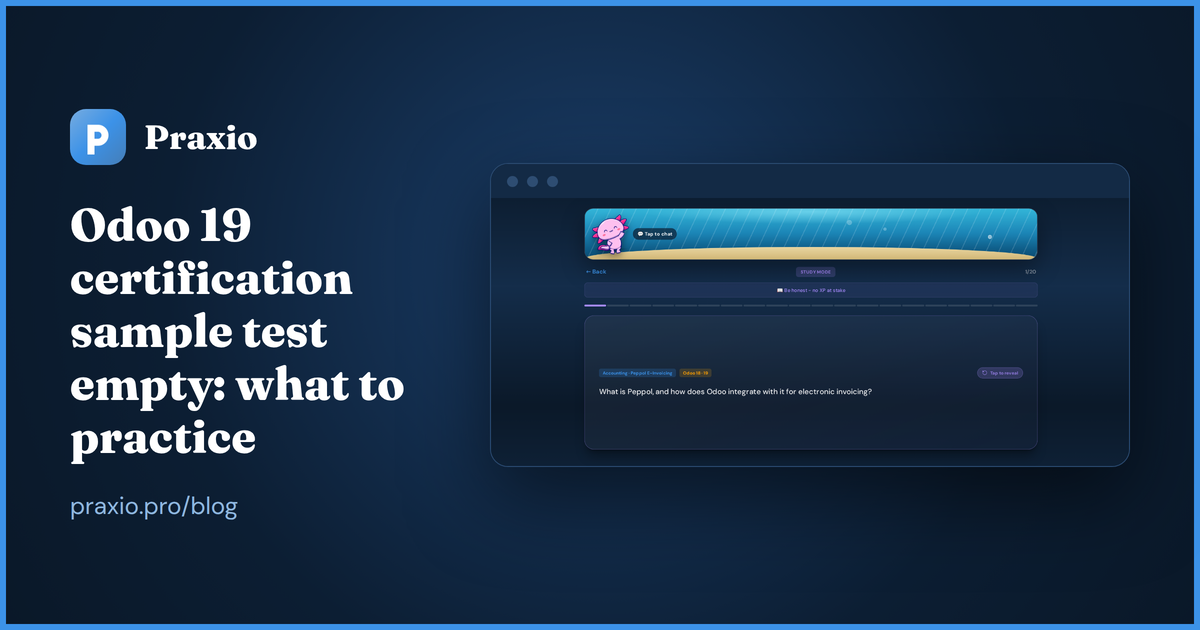
For Odoo 19 certification, practice the apps the exam covers in this order: flashcards to learn the terms, quizzes to test them, and a real Odoo 19 database to do the work yourself. That replaces the free sample test, which an Odoo forum thread reports shows "No lessons are available yet".
This article explains what to do instead, how to use flashcards well, and gives one worked example from Purchase that shows the kind of detail the exam rewards.
Why is the Odoo 19 certification sample test page empty?
An Odoo forum thread reports that the free sample test page shows "No lessons are available yet". I cannot tell you when or whether Odoo will fill it, so do not wait for it. Your preparation does not depend on that page.
The exam tests whether you understand how Odoo behaves, not whether you have seen the exact questions. Anything that makes you explain what Odoo does and why prepares you for it.
Can I retake the exam if I fail?
Odoo forum answers say you get one exam attempt per purchased voucher. Check the current terms on Odoo's certification page before you buy, because forum answers can be out of date. If that is right, a failed attempt costs you a second voucher, which is one more reason to prepare properly the first time.
Which apps should I practice?
Start from the list Odoo publishes for the exam you booked, and compare it with a guide you trust. For example, the 2026 OpenExamPrep guide lists seven apps: Purchase, Manufacturing, eCommerce, Point of Sale, HR, Project and Studio. Practice each one the same way:
- Learn the vocabulary: the statuses, the document types and the settings names.
- Follow one record from start to finish: for example, a purchase order from request to vendor bill.
- Write down what Odoo does on its own and what you must do by hand.
For the full study plan, read the Odoo 19 certification preparation guide.
How do flashcards help for a certification exam?
Flashcards are the study step. They come before any quiz, so a wrong answer costs you nothing and you can go at your own pace. Each card asks one narrow question, and you say the answer out loud before you flip it.
Here are three cards in the style that works for Purchase:
- Card 1: What does Billing Control set on a purchase order line? It decides whether you can bill the ordered quantity or only the received quantity.
- Card 2: Which Billing Status values does a purchase order show? Nothing to Bill, Waiting Bills and Fully Billed.
- Card 3: What does Nothing to Bill mean? Nothing can be billed yet and the order has no bill, for example when nothing has been received under received-quantity control.
The cards give you the terms. The worked example below shows how they behave together.
What does a worked example look like?
A company orders 100 units of a component from a vendor. The product uses received-quantity billing control, a common setting when the company wants to pay only for what arrived. Part of the order arrives early.
- Confirm the purchase order for 100 units. The Billing Status is Nothing to Bill, because nothing has been received and there is nothing to bill yet.
- The vendor delivers 60 units. Validate the receipt for 60 units. Odoo offers a backorder for the remaining 40, and you create it.
- Because 60 units are now received, you can create a vendor bill. Odoo fills the bill with 60 units, the received quantity.
- Confirm the bill for 60 units. The Billing Status moves to Fully Billed, even though 40 units are still to come.
- When the last 40 units arrive and you validate the second receipt, the order has more received units than billed units. Create a second bill for 40.
The junior trap sits in step 4. Fully Billed does not mean the order is complete. Odoo compares the billed quantity with the received quantity, and at that moment 60 units were received and 60 were billed. The 40 units still on the backorder do not count yet. A junior who reads Fully Billed as "nothing left to do" can close the order too early and miss the delivery that is still open. Always check the receipts as well as the Billing Status.
This works the same way in Odoo 18 and 19. With ordered-quantity control, Odoo would let you bill all 100 units from the start, so the status would behave differently. Know which control the product uses before you answer a question about it.
How do I know if I am ready?
Ask yourself three questions for every app you study:
- Can I explain each status in one sentence without looking at the screen?
- Can I predict what Odoo does after each step, before I click?
- Can I explain why a setting changes the result, as in the billing control example?
If you answer yes to all three for every exam app, you are close. If any answer is no, go back to the flashcards for that app.
How do I practice this?
Study with flashcards first, then move to quizzes, then do the work in a real database. On Praxio, flashcards are the study mode with no XP at stake, so you can learn at your own pace before the quiz. Open the flashcards here: https://www.praxio.pro/app/practice/flashcards
Ready to start practicing?
Take the free Consultant Readiness Assessment and find out where you stand across five consulting dimensions.
Take the Free Assessment →